

The Waitlist is over, now what?
How to BUY, SELL or TRANSFER tickets in this post-waitlist world.

July 24, 2026
The Waitlist has now CLOSED, which means that all unfulfilled waitlist orders have expired, resulting in the order cancellation message that Tixr emailed you. Ever year around this time, we have to pivot away from managing the waitlists so that we can focus on producing the impending festival.
So, how do you BUY or SELL or TRANSFER tickets in this post-waitlist world?
Looking to BUY tickets for Campout
You’ll need to check the Campout 2026 event page to discover any new listings. If a ticket is available, that section will display a Resale status, rather than Sold Out.
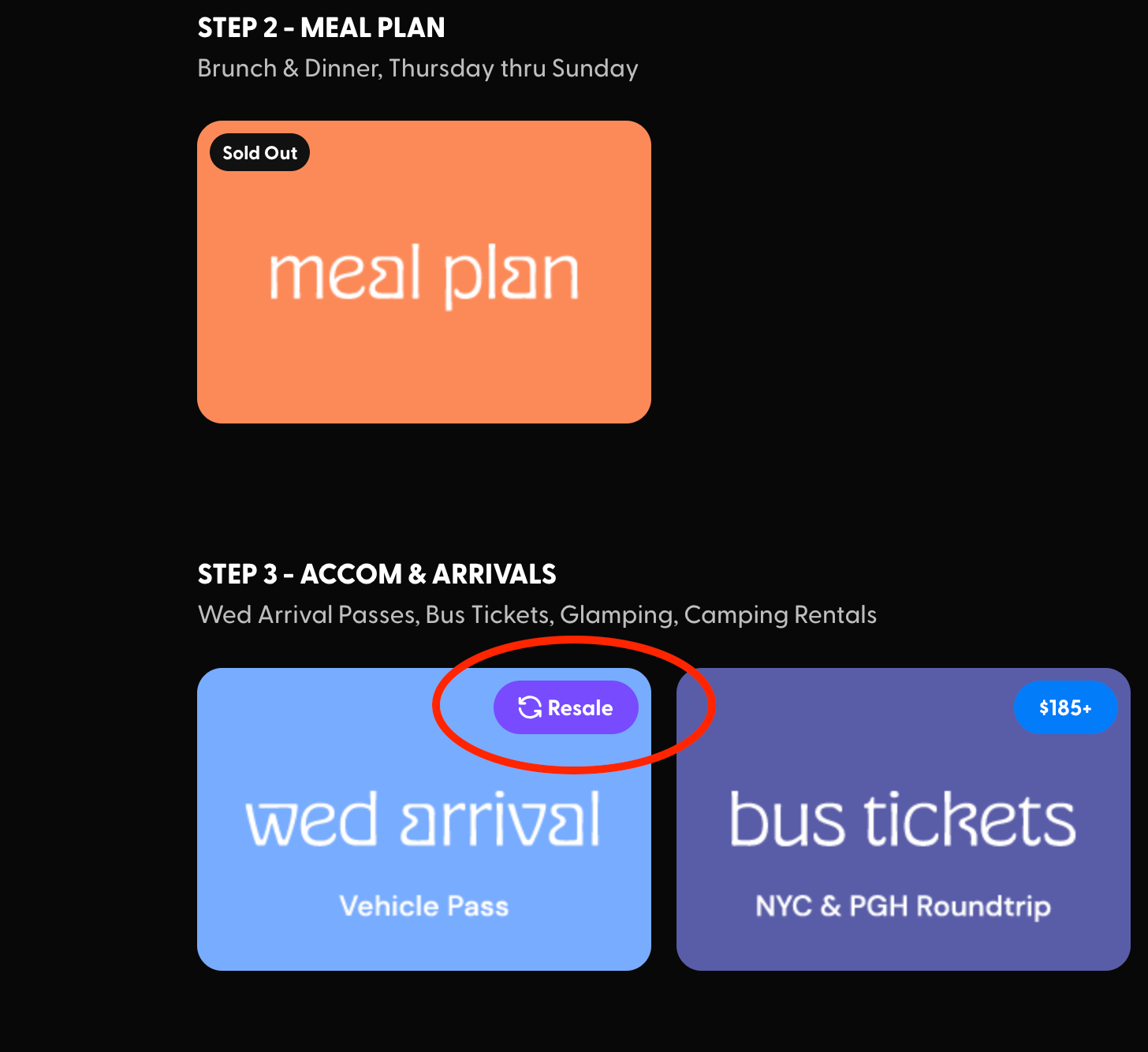
This system ensures all tickets sold are valid and the prices you’re charged are fair. We’ve set up Resales so prices cannot be marked up.
How to SELL your Campout tickets on Tixr
You can sell your tickets directly on the Campout event page, from your account.
Once you log into your Tixr account, select your Wallet and then the Campout event. All of your tickets will be listed. If your ticket is eligible, a Sell button will appear next to other options like Transfer. Once you’ve set your price, you'll immediately see your expected payout before confirming your listing.
Tickets stay in your Wallet and remain yours until they sell. You can still use or manage them at anytime before they're purchased. By default, tickets are sold individually and buyers can choose how many they want to purchase. Once your ticket sells:
- Your original ticket is invalidated
- A new order is automatically issued to the buyer
- You'll be prompted to set up your payout account if you haven't already
- Payouts are sent within 3–5 days after Campout ends, roughly Aug 19-21.
Important Tips for selling tickets
First, set up your payout account in advance. This ensures prompt payment when your tickets sell. When setting up your account, confirm that your home country is set correctly in your Tixr account settings — your payout method options and currency are determined by your home country, and a mismatch can delay or block your payout. Learn more HERE.
You cannot resell a ticket if that ticket type is not Sold Out.
Listing on Tixr Resale is not a guarantee your ticket will be sold. The odds decrease as we get closer to the festival. So, list your tickets for sale early. This gives buyers more time to find them. The sooner they’re for sale, the more visibility they’ll have.
List them at the original price, or go lower. Face value is the highest price you can list them at, but you’ll have the option to reduce your ticket price by up to 90% if needed to entice buyers.
Multiple tickets to resell? Choose split settings strategically. You have the option of selling more than one ticket individually or together. Consider whether you’d prefer buyers to purchase them individually or if they should be sold together.
If you want to see your listing live, please visit the Campout 2026 event page.
Still have questions? Visit Tixr’s FAQs.
Issues listing your ticket? Please email tickets@honchopgh.com.
Bought a ticket from a friend? Use Fan Transfers to make it yours.
Tixr’s TRANSFER service ensures a ticket you bought from a friend (outside of the Tixr platform) is properly associated with your name, and account. This avoids headaches when trying to remember which tickets you have, or once you’ve arrived at the Front Gate. You’ll have it all in one place, your Tixr account.
You have to have a Tixr account to receive a fan transfer. Your friend will need to initiate the transfer offer from their account. And then you MUST accept the offer to complete the transfer. You have 7 days to accept the offer. Don’t sit on it and let it expire. Make sure you complete the transfer before the deadline, or that ticket will end up back in their account.